Three ways to play
Pick the mode that fits your moment — fast & furious, relaxed, or in the car.
Press as fast as you know it
The moment you recognise the song, hit your buzzer. Earn up to 3 points per round: artist name (1 pt), song title (1 pt) and release year (1 pt). A margin of 1–2 years is allowed for the year.
- 1Choose a playlist — pick from our curated Spotify presets or use your own public playlist.
- 2Select a song mode — Intro (10/20/30s), Center section (30s) or Outro (20/30s). See below for details.
- 3Add players (max 12). Connect buzzers via Bluetooth and assign each to a player.
- 4Set duration — 15, 30 or 60 minutes, or play unlimited rounds.
- 5Choose difficulty — Prince of Pop (info visible) or King of Pop (full blur). See below for details.
- 6Add bonus rounds — optionally include AI image or trivia rounds between songs.
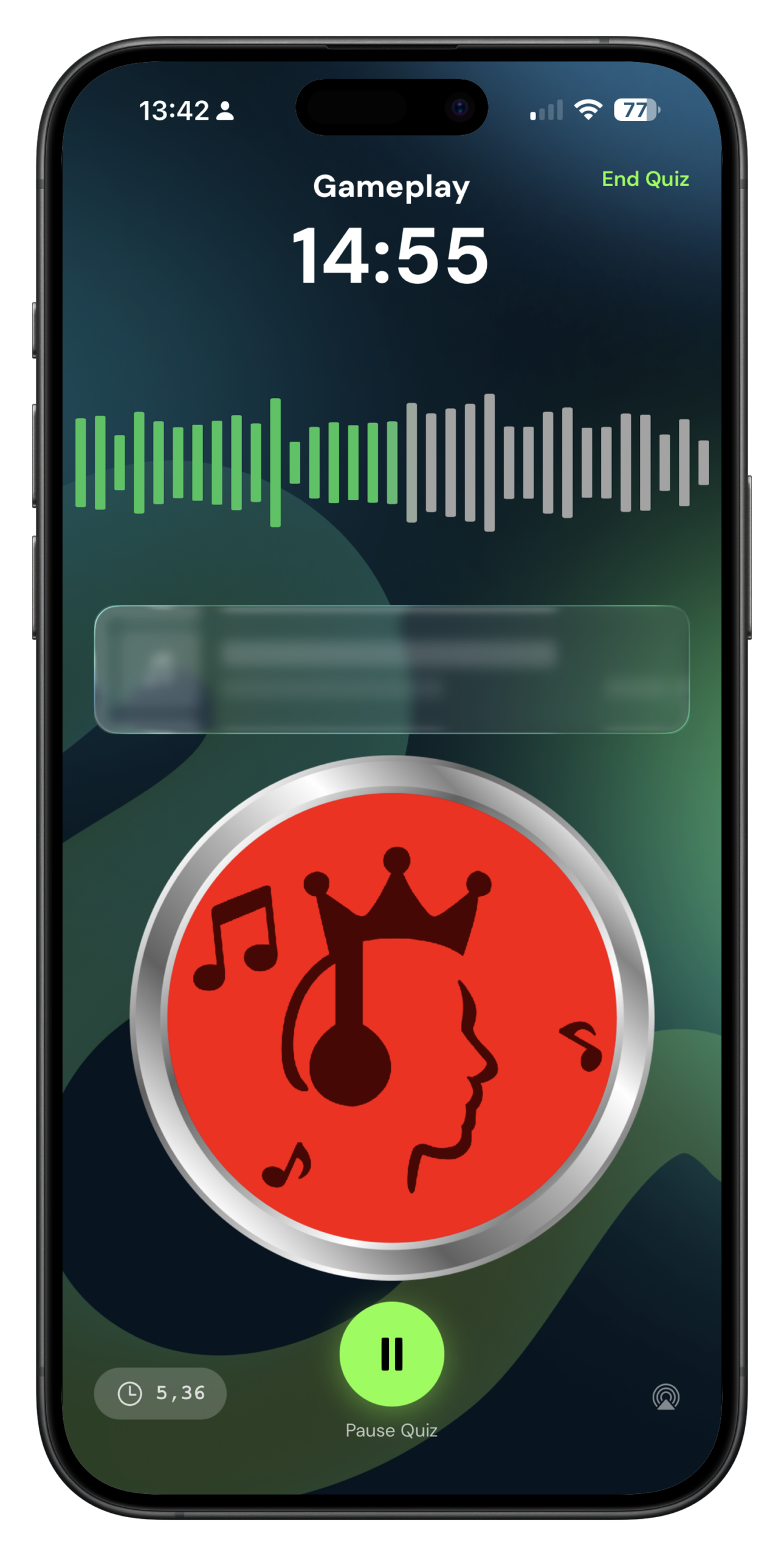
No rush. Your turn to guess.
Players take turns guessing without any time pressure. Perfect for a relaxed evening with friends or family. Same scoring applies — artist, title and release year each earn 1 point.
- 1Choose a playlist — presets or your own Spotify playlist.
- 2Pick the number of rounds — 5, 10 or 15 rounds, or unlimited. Designate any round as the final round at any moment.
- 3Add players and configure settings — all the same options as Beat the Clock.
- 4Play — the active player listens, then guesses. No time pressure, just shout it out!
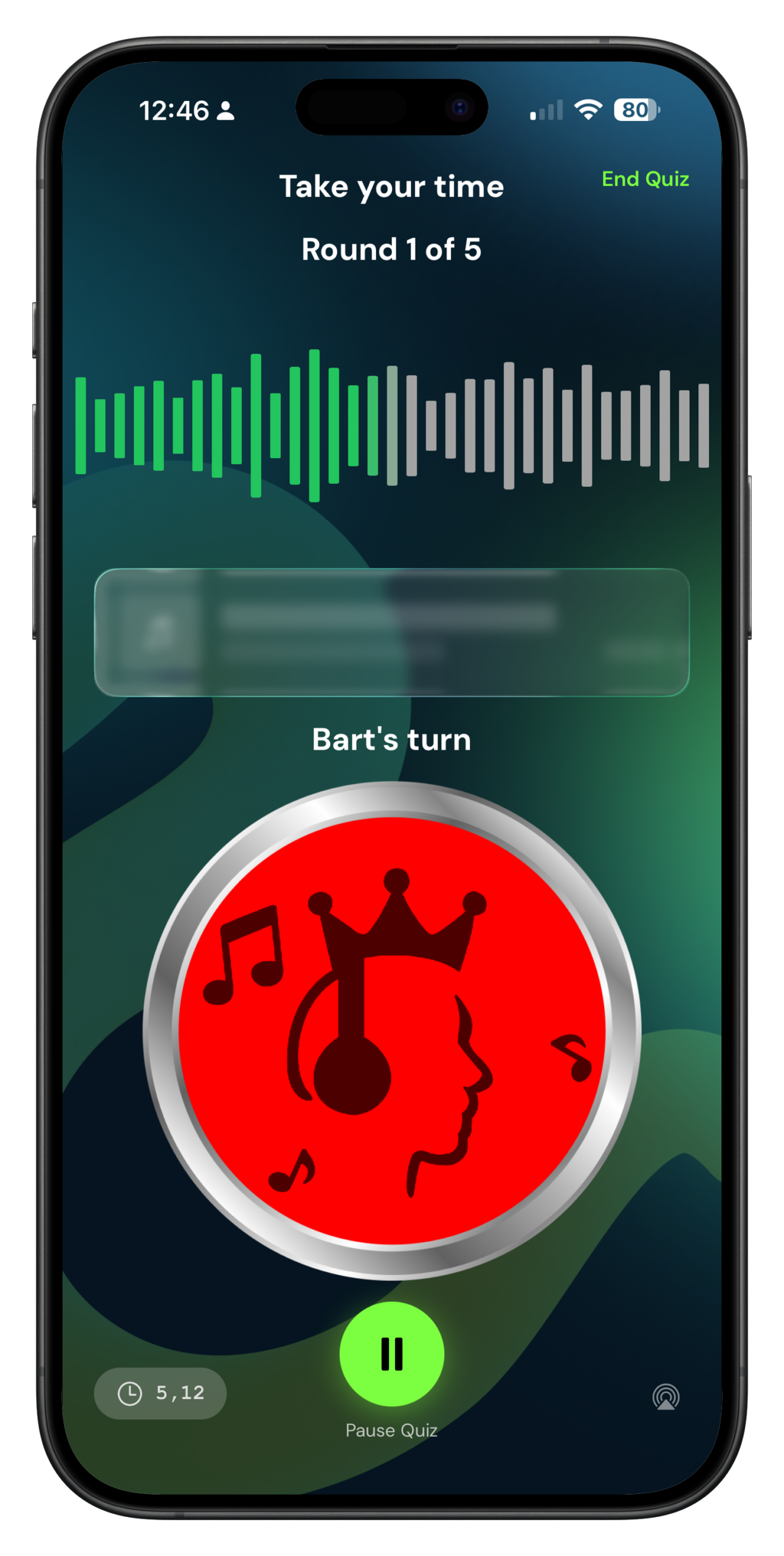
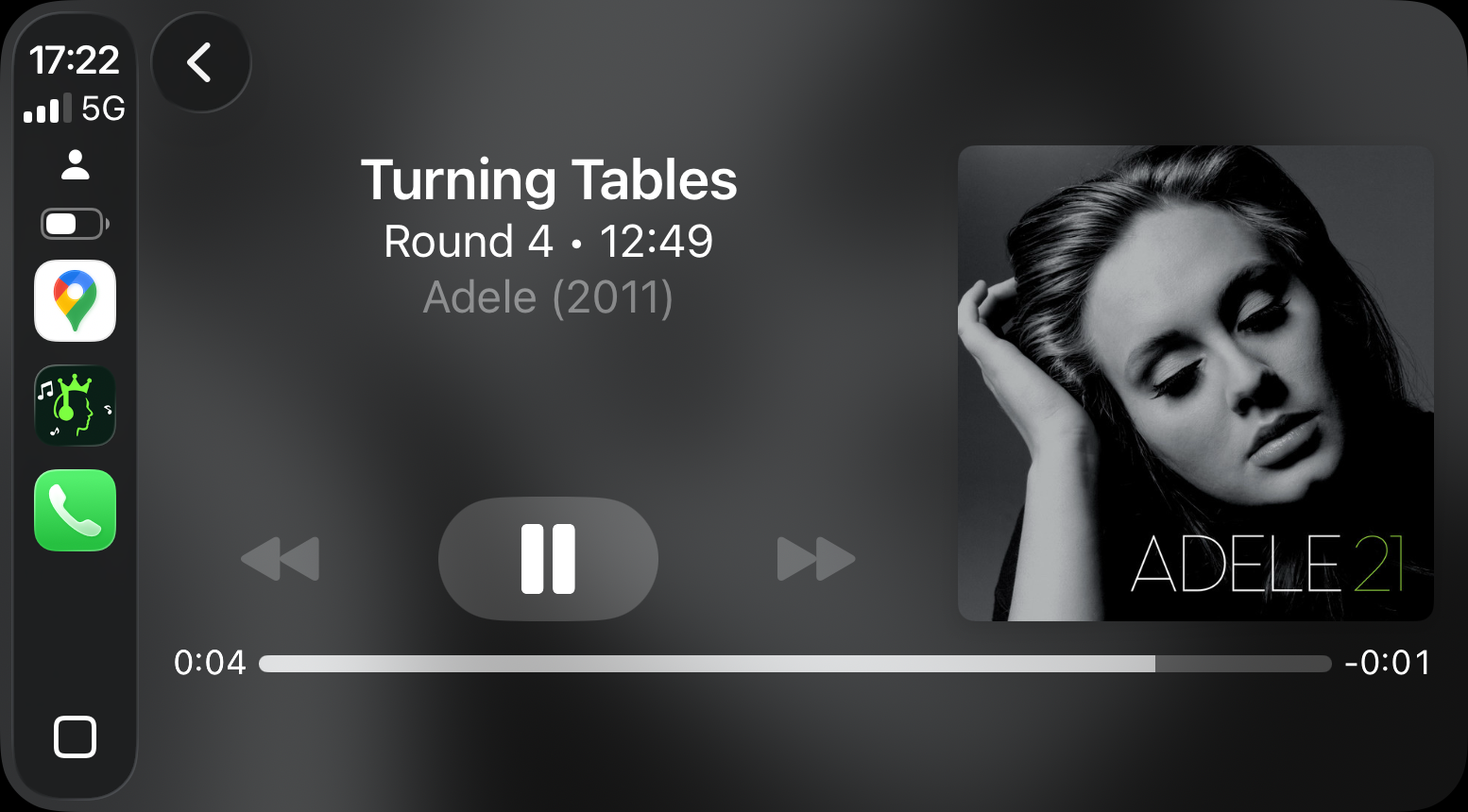
The first quiz game for CarPlay
Play handsfree while driving — both hands on the wheel. Set everything up on the car screen, lock your phone, and let the music play. Perfect for road trips.
- 1Connect your phone to your car (wired connection recommended for best reliability).
- 2Open the KoPq app, select CarPlay. Choose your playlist, song mode and duration on the car screen.
- 3Lock your phone and put it away — the game runs automatically from that point on.
- 4Siri integration — let Siri read the song title, artist and release year aloud after each reveal.
Which part of the song?
Choose which clip to play. Intros are familiar — outros are a real test.
Extra rounds between songs
Enable bonus rounds in settings to add special challenges between regular songs. Choose from three types.
- Easy: 2 pts without hint, 1 pt with hint
- Hard: 3 pts without hint, 1 pt with hint
- Use the Hint button if you're stuck
- Some images are very literal — others are sneaky
- Easy: 1 point per correct answer
- Medium: 2 points per correct answer
- Hard: 3 points per correct answer
- Choose difficulty per round
- Random mix of images and trivia
- Same scoring rules as the individual types
- Keeps the game unpredictable and fresh
- Best for longer game sessions
Prince of Pop or King of Pop?
Set the challenge level before every game. This affects how much song info is visible on screen while guessing.